Computer Server Systems Need Careful Management During PAT Testing
For many businesses, the most worrying part of PAT testing isn’t the testing itself — it’s the fear that critical IT equipment might be switched off without warning. Computer servers are the backbone of modern offices, and even a brief, unexpected interruption can cause major disruption.
When PAT testing is carried out around server systems, the technician needs to understand not just electrical safety, but the operational importance of keeping those systems running. Disconnecting a server without proper consultation can lead to staff downtime, system failures and, in the worst cases, data loss. This is why servers must always be approached differently to standard office equipment.
We regularly hear concerning stories from new clients about previous experiences, including being asked to shut servers down unnecessarily, or worse, having them unplugged without warning. That kind of approach is completely avoidable and should never happen. Server environments demand planning, communication and a clear understanding of risk.
When we carry out PAT testing in offices, we work closely with the client to ensure that server systems are identified in advance and handled appropriately. Nothing is unplugged or switched off without permission, and testing is always planned around the needs of the business rather than the convenience of the tester.
There are several safe and compliant ways to record and inspect server equipment without causing disruption. In many cases, a visual inspection combined with appropriate earth continuity checks can be carried out without disconnecting anything. Where clients prefer, inspections can be scheduled outside normal working hours, or full tests can be planned during agreed downtime in consultation with an IT provider. The key point is that the server remains protected, documented and undisturbed.
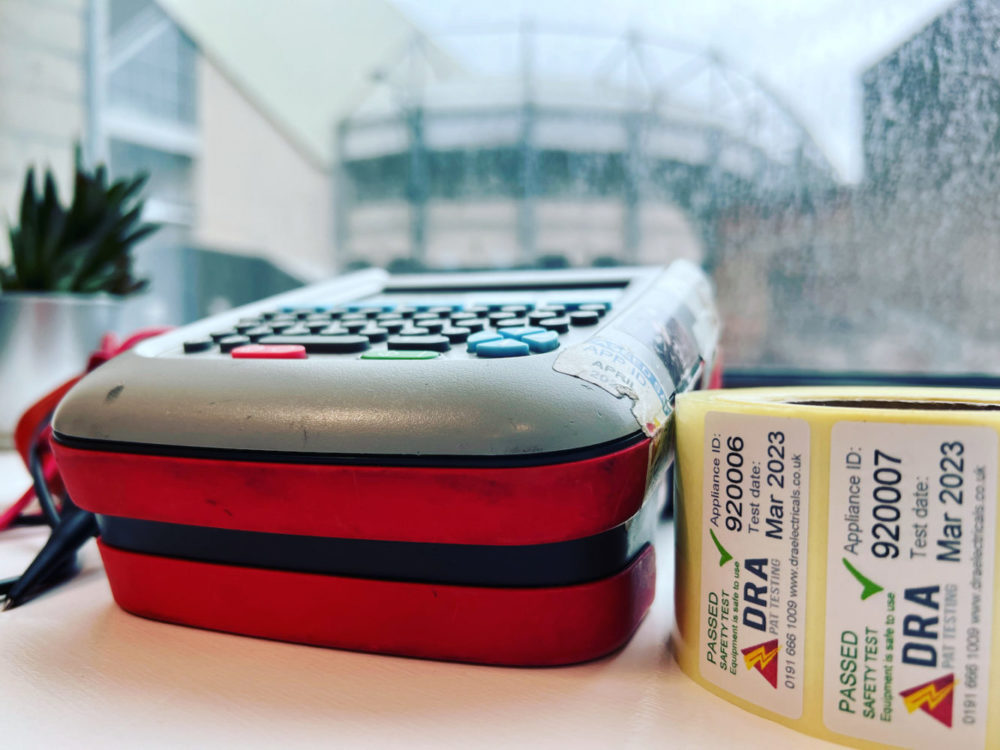
In most office environments, clients ask us to carry out visual inspections only on server equipment. This ensures the appliances are logged, labelled and included in the PAT testing records, while avoiding any risk to live systems. Each item still receives an asset ID and inspection record, but without unnecessary interference.
Using Thermal Imaging to Improve Safety Without Disruption
In situations where disconnecting equipment is not an option, relying solely on visual checks can feel limiting. This is where thermal imaging becomes a valuable additional tool.
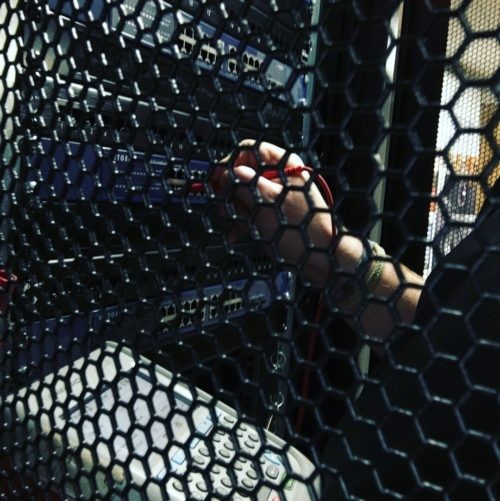
Thermal imaging allows us to assess server systems for abnormal heat build-up without touching or disconnecting equipment. By scanning power supplies, cabling and connection points, we can identify hotspots that may indicate loose connections, overloading or ventilation issues. If anything unusual is detected, it can be reported to the client or IT provider for further investigation.
This approach allows businesses to maintain continuity while still gaining meaningful insight into the condition of critical infrastructure. It’s particularly useful in server rooms and racks where systems are designed to remain powered continuously.
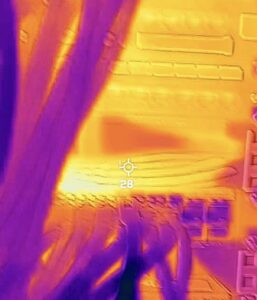
View of a server through a thermal camera
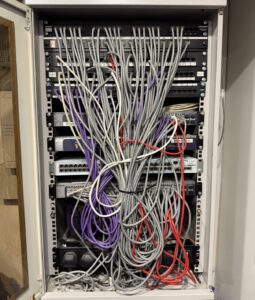
View of a server through a normal camera
How Often Should Server Systems Be Tested?
Well-managed server installations are typically very low risk. Servers that are professionally installed, securely mounted in racks, adequately ventilated and maintained by an IT provider are not subject to regular movement or wear in the same way as portable office equipment.
Because of this, server systems often fall into the longest retest category. In many cases, a maximum interval of up to five years is entirely appropriate, provided a suitable risk assessment supports this decision. As with all PAT testing, the key factor is risk, not arbitrary time periods. Businesses should always consider their own environment, usage and management arrangements when setting retest intervals.
Preventing Servers From Being Turned Off Accidentally
One simple but effective way to protect server equipment is to prevent accidental disconnection in the first place. In busy office environments, it’s surprisingly easy for plugs to be knocked, unplugged or tampered with — especially during cleaning or maintenance.
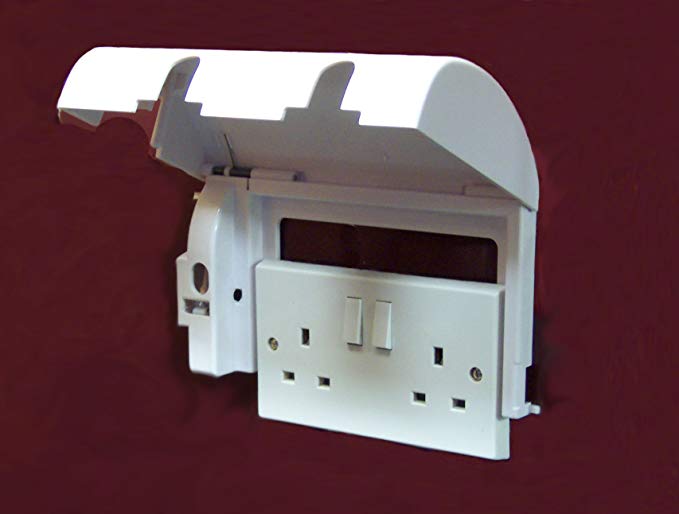
Installing secure socket covers on server power supplies helps prevent accidental shutdowns by restricting access to the plug. These covers can be fitted with or without locks, depending on the level of control required, and are particularly useful in shared or accessible areas.
Using physical protection alongside sensible inspection practices adds an extra layer of reassurance and reduces the likelihood of avoidable outages. You can read more about this option on our safety socket covers article.